A score editor for iPad
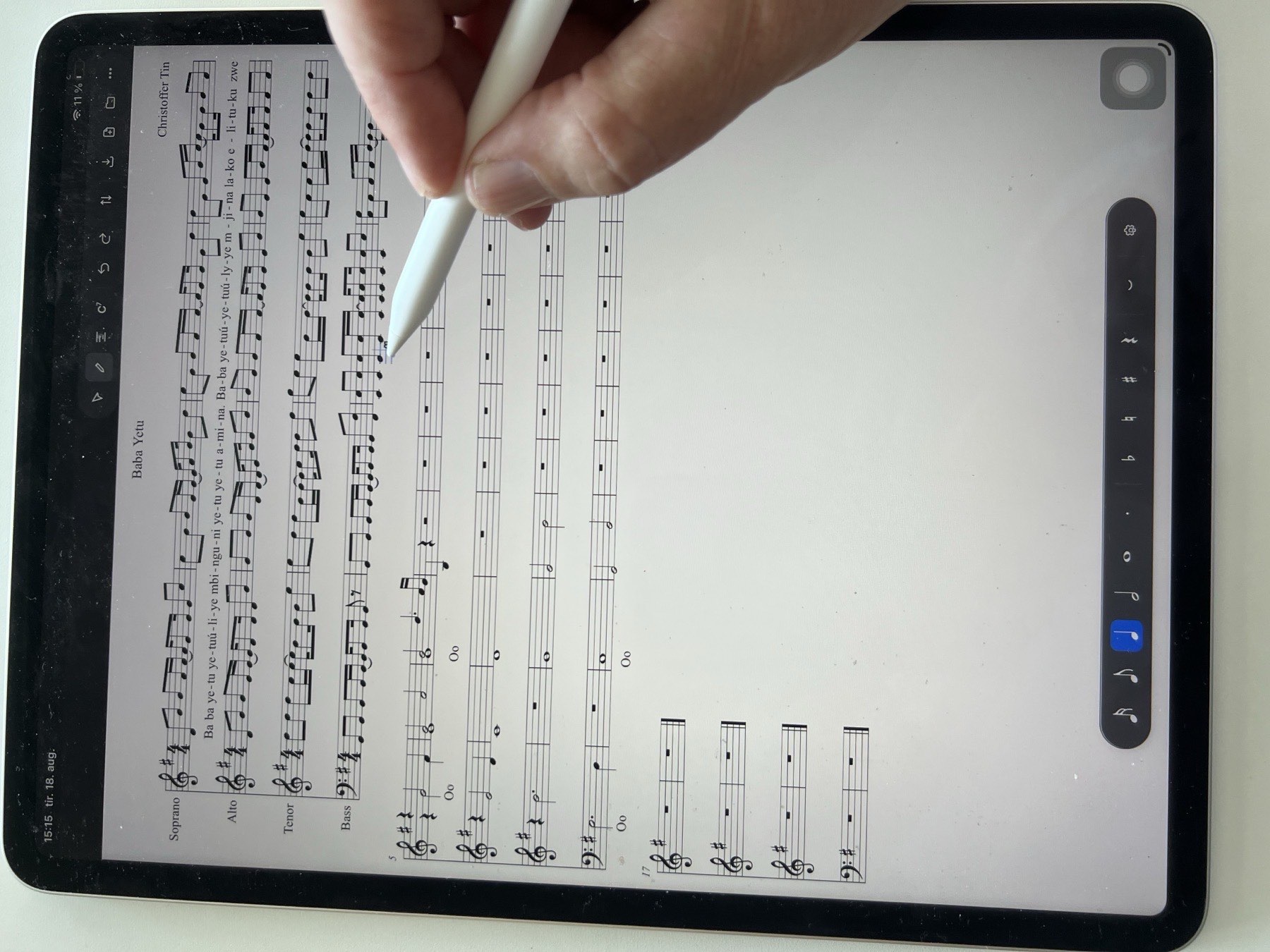
Write lead sheets — notes, lyrics and chords — with the Apple Pencil and the keyboard. Free, and it works fully offline.
Designed for iPad.
What it is
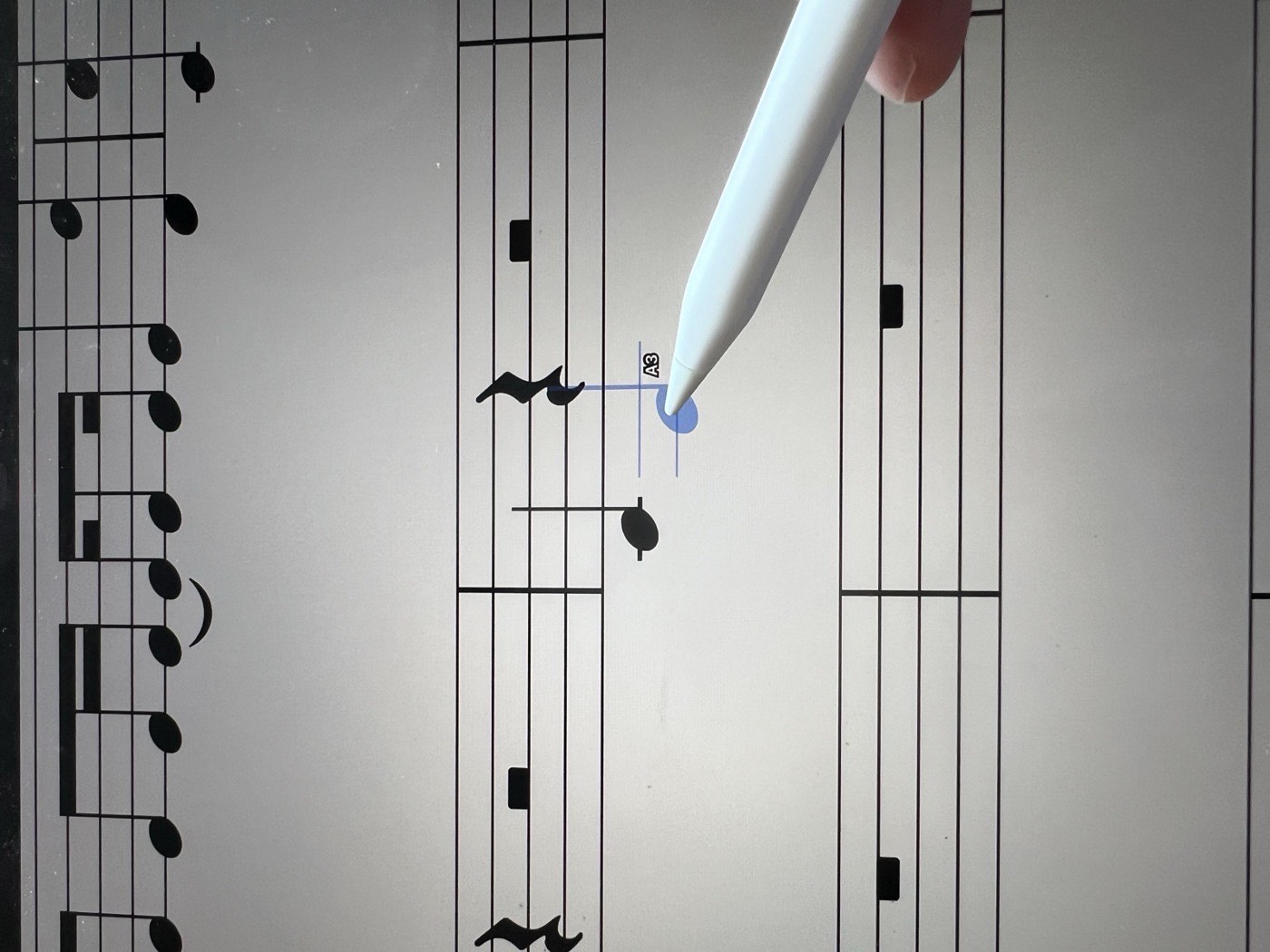
Touch the page with the Pencil and a ghost note follows it along the staff, naming the pitch it will become; lift, and the note is written. Lyrics and chord symbols are typed at the note they belong to, on the on-screen keyboard or a hardware one.
Scores open from and save to MusicXML — the format MuseScore, Sibelius and Dorico read and write — so nothing you write is locked in. A finished score exports as a PDF.
Everything works offline. Your scores live on your iPad and never leave it.