Bars and structure
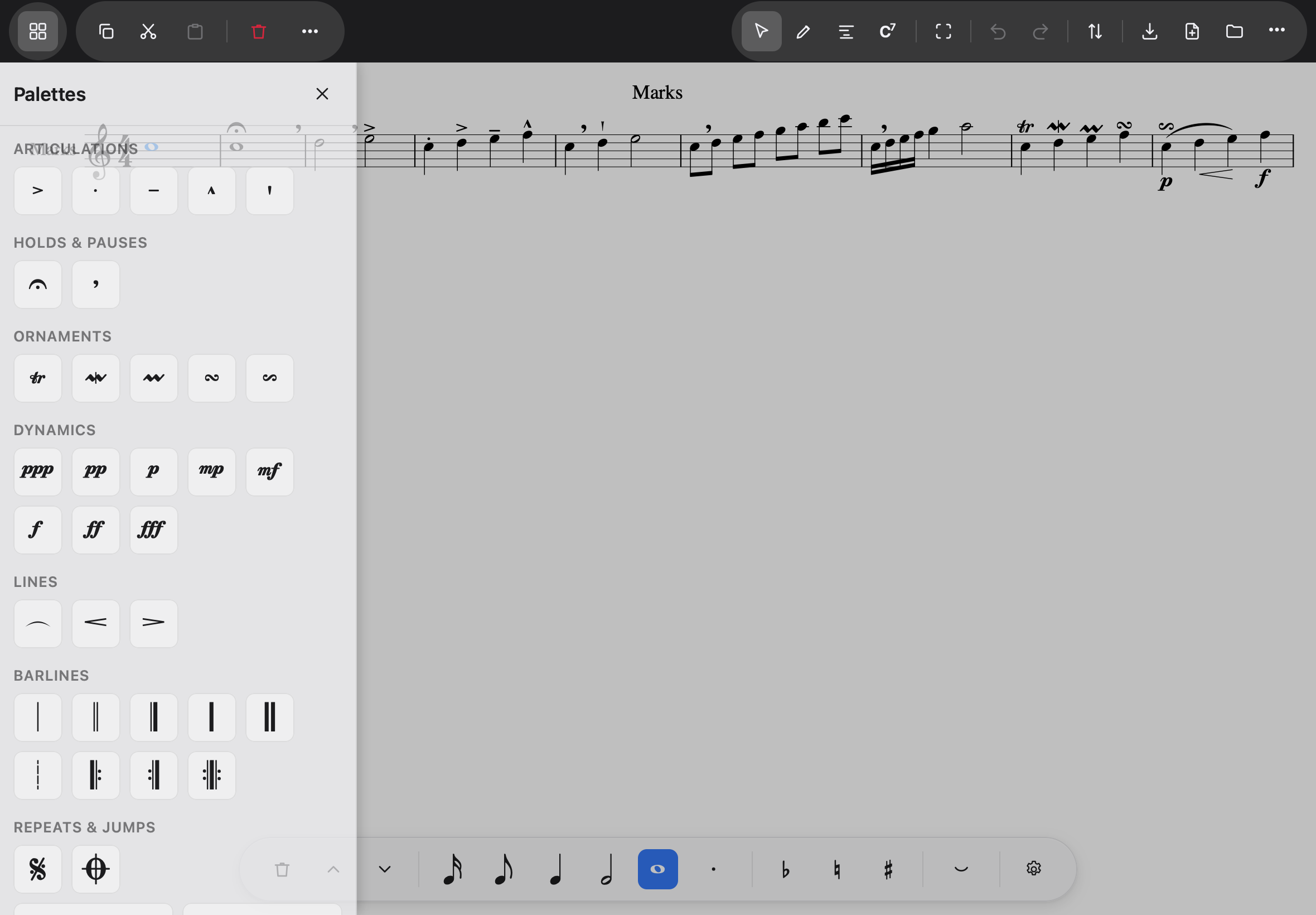
Everything structural lives in the palette drawer: tap the grid button at the top left (in selection mode) and it slides out. Tapping a palette item applies it to whatever is selected and closes the drawer — tapping the same mark again removes it.
Barlines, repeats, endings
Select a bar (a marquee across it is the quick way), open the drawer:
- Barlines: double, final, dashed, heavy — and the repeat pair. Single barline means “an ordinary bar here”, which is also how a repeat is removed.
- Repeats & jumps: Segno, Coda, D.C. al Fine, D.S. al Coda and their relatives.
- Voltas (first- and second-time bars): the ending starts on the first selected bar
and stops on the last. Removing one removes only its pair. A second ending continues from
the bar before the first: a note tied on from that bar is drawn into each ending, with the
short hanging tie at the second that engraved music uses, and a time signature that changes
at the second ending is printed at the end of the first, before the repeat barline.
The fourth cell, Second-time bar, open, is the bracket that opens with a hook and simply
runs out — the shape most printed songs use for the last ending. It is saved as MusicXML’s
discontinueending, which is what other programs write for it too.
Key and time signatures
- A key signature from the drawer applies from the selected bar on — and it is the concert key: a transposing part prints its own version. It changes what the signature says, not the notes under it; moving the music is Transposition, a chapter of its own.
- A time signature is the one palette item that asks before writing: how many bars, and whether to return to the old meter afterwards (on by default). One honest limit: a meter change applies only to bars of rests — the app will not re-bar written music, and says so bar by bar.
- Bar 1 refuses both: the opening signatures are what the score is in, and the way to change them is to choose another — the app tells you exactly that.
Adding and removing bars
Select a bar, then the … menu above the score:
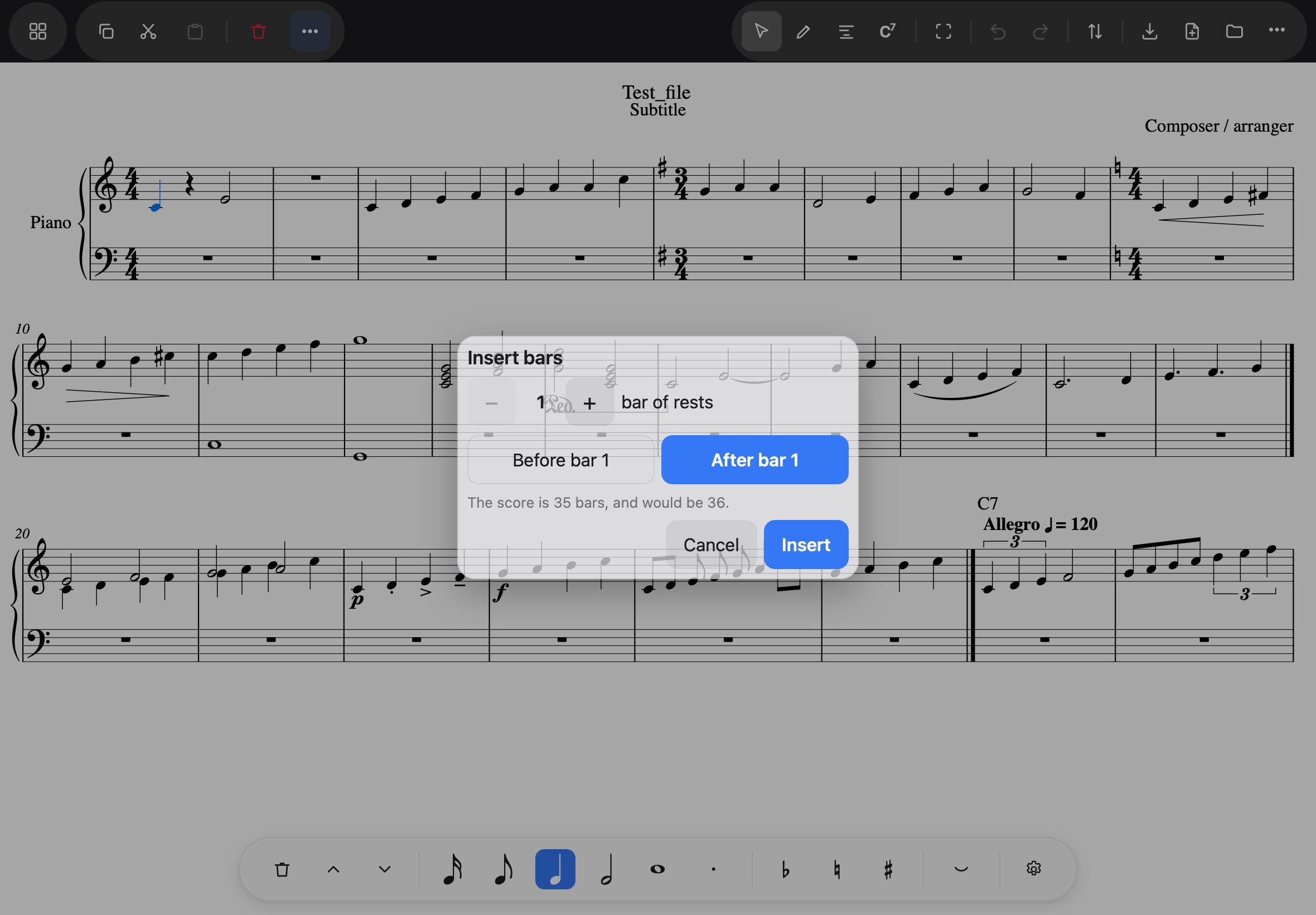
- Insert bars… asks how many bars of rests (never “empty” — a bar always holds something, and silence is rests) and whether they go before or after the selected bar.
- Delete bars is deliberately a two-step affair: a bar with notes in it refuses — “cut it first, then delete it” — so removing music is always Cut, then Delete, and never an accident. The last bar and the pickup refuse too, each with its reason.
Deleting in general works that way everywhere: anything that cannot be removed says why, in words, instead of doing nothing.