Chords
Three ways in, and they all end with a chord box above the staff:
- Tap the Chord button with nothing selected. The mode opens and waits; tap a note — or a rest — and the box appears above it. This is the one to use for a chart: choose the mode once, then work along the bar.
- Select a note or a rest first, then tap Chord — the box opens above it straight away.
- Tap a chord symbol already on the page to edit it.
While chord mode is on, a tap on a note or a rest moves the box there. Tapping anything else — a barline, a clef, the paper between systems — leaves you where you are, still in the mode.
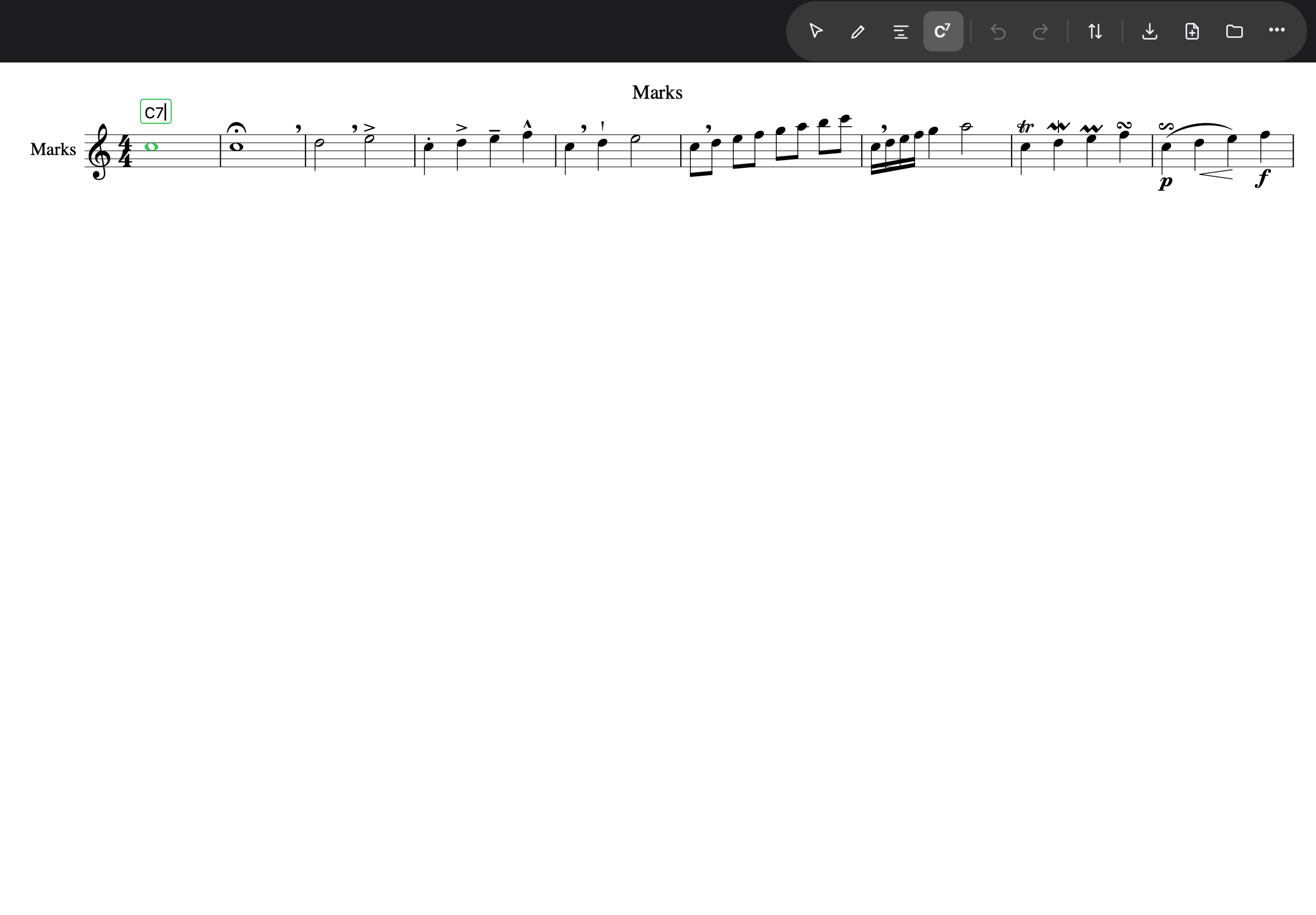
The border tells you where you stand: green is a symbol the app understands, red is not — and a red box neither commits nor closes, so nothing you typed is lost. Fix it, or clear the box and press Return (an empty commit removes the symbol; that is also how one is deleted).
Space behaves as in lyrics — commit and move on — but the hyphen is an ordinary
character here: C-7 is a common way to write C minor 7, and it works.
Return commits the symbol and puts the box away, leaving chord mode on, so the next note is one tap away. There is no next verse to drop to above the staff, which is why Return means something simpler here than it does in lyrics.
Putting the box away, and leaving the mode
| What you do | What happens |
|---|---|
| Tap another note or rest | the symbol is written and the box moves there |
| Return | the symbol is written, the box closes — you stay in chord mode |
| Tap the paper | the same: written, closed, still in chord mode |
| Tap Selection or Compose in the toolbar | the symbol is written and you leave chord mode |
Chord mode has no Done button — that strip belongs to lyrics, where it also chooses the verse. Above the staff there is nothing to choose, so leaving is the toolbar’s job.
Straight on from a lyric
With a lyric box open on a note, tapping Chord keeps that note: the word is written and the chord box opens above the same note. It works the other way too, so a melody and its chart can be written a note at a time without returning to selection mode in between.
What the parser understands
Everything from C to F#m7b5 to Bb13(#11)/D. Two conventions worth knowing, both the
ones chart writers use:
- A bare 9, 11 or 13 implies the flat seventh.
C9is a dominant ninth; if you want a ninth with no seventh, writeCadd9. - The accidental binds to the root.
Bb13is B-flat thirteen, every time; the other reading is writtenB(♭13).
Several chords on one note
Type them comma-separated in the one box: C7, F7, G7, C7. They spread across the
note’s duration in equal shares — the division a chart makes. The line commits all or
nothing: one unreadable symbol and the whole line stays red (a trailing comma is fine —
that is what halfway through a symbol looks like).
Chords on rests
Chord symbols can sit on rests. With a whole bar of rest there is one engraving rule to know: the rest itself is drawn centred in the bar, so the symbol anchors at the start of the bar — where The Real Book puts it. On the first symbol you write over a bar of rest, the box hops once from the centre to the barline; the result is right, the hop is just the page catching up.