Lyrics
Three ways in, and they all end in the same place — a box open at a note, in verse 1:
- Tap the Lyrics button with nothing selected. The mode opens and waits; tap a note and the box appears there. This is the one to use when you are about to write a whole line — choose the mode once, then work note by note.
- Select a note first, then tap Lyrics — the box opens at that note straight away.
- Tap a word already on the page — the box opens on that word, shown selected, so your next keystroke replaces it. Tap the word once more to place the caret inside it instead.
While lyrics mode is on, a tap on a note is a tap on a note: the box goes there. Tapping anything else — a barline, a clef, the paper between systems — will not drag you out of the mode or leave something highlighted behind you.
Typing happens in a box the app draws on the score; the Pencil never types — lyrics are keyboard work, on-screen or hardware. (Scribble stays out of the way, by design.)
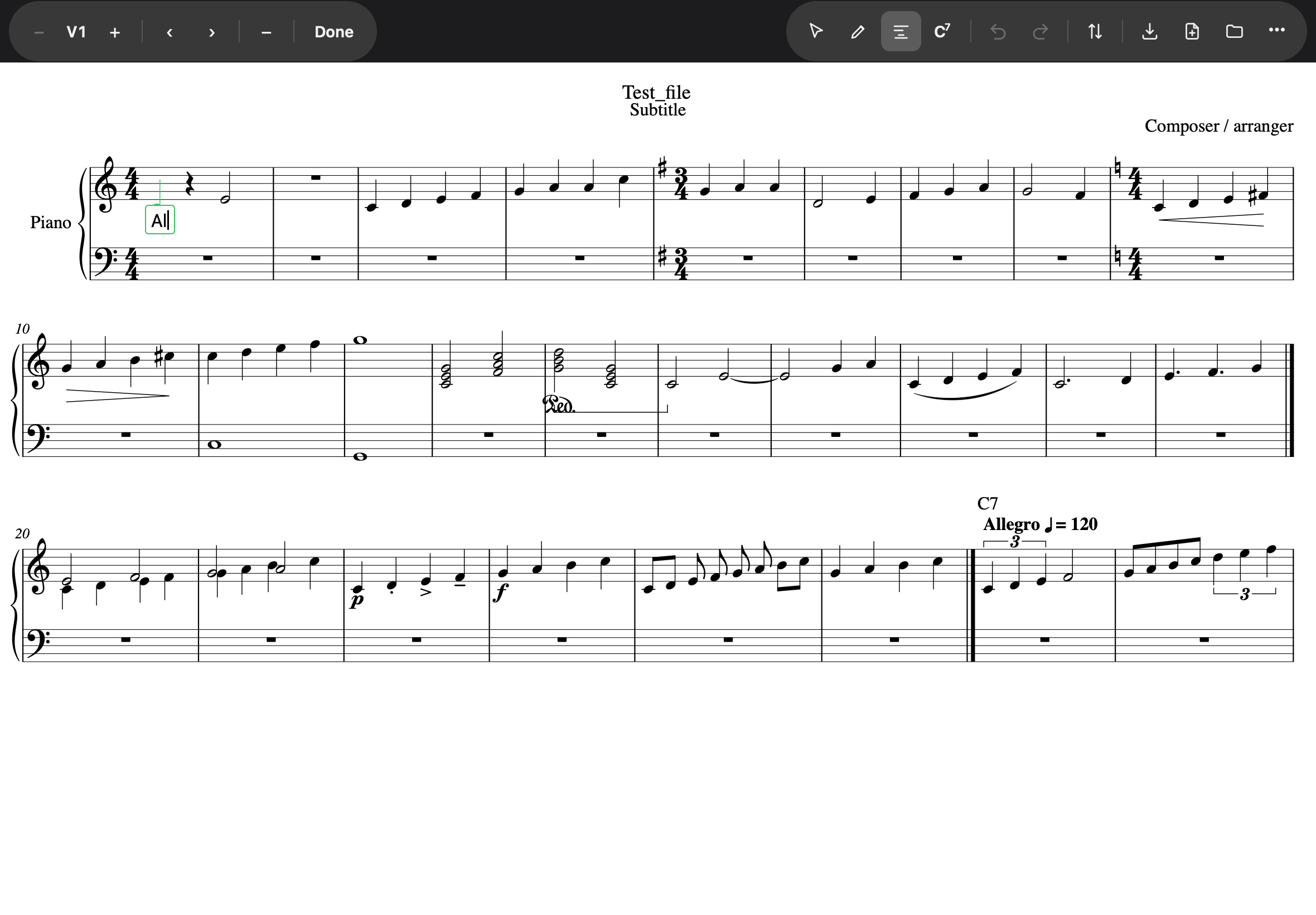
The keys that do the work
| Key | What it does |
|---|---|
| Space | commit the syllable as the end of a word, move to the next note |
- (hyphen) | commit as a syllable of a continuing word — this is what writes Al‑le‑lu‑ia |
_ (underscore) | commit the word and hold it on under the next note — a melisma, drawn as a line. Press it again to hold it further |
| Return with text | commit, and drop to the next verse on the same note |
| Return on an empty box | put the box away — lyrics mode stays on |
| Backspace on an empty box | step back to the previous syllable |
Emptying a box and pressing Return erases that syllable. The double-Return shape exists because the on-screen keyboard has no Escape key — Return is both “next verse” and, on an empty box, “that note is finished”.
Putting the box away, and leaving the mode
These are two different things, and telling them apart saves a great deal of tapping:
| What you do | What happens |
|---|---|
| Tap another note | the word is committed and the box moves there |
| Return on an empty box | the box closes — you stay in lyrics mode, one tap from the next note |
| Tap the paper | the word is committed, the box closes — you stay in lyrics mode |
| A mode button (Selection, Compose, Chord) | the word is committed, the box closes, and lyrics mode ends; the note you finished on is left selected |
Nothing you have typed is lost by any of them.
Straight on to chord symbols
With the box open on a note, tapping Chord keeps that note: the word is written, and a chord box opens above the staff on the same note. It works in both directions, so a melody line and its chart can be written a note at a time without going back to selection mode in between.
Verses
The strip’s − V1 + selector chooses the verse; it is the only way to a second verse, and the box follows it — verse 2 sits beyond verse 1, exactly where it prints. The verse choice resets to 1 whenever the box closes.
Above or below the staff
Every word has its own side, and below is the default. The strip’s ▲ ▼ are a pen: tap ▲ and the word in the box moves above the staff at once, and every word you type after it goes above too — until you tap ▼. That is how a passage where the voices sing different words is written: on a soprano note, ▲, then the line; on an alto note the strip shows ▼ again, because a note that already has a word shows that word’s side.
To move words already written, select them — hold a finger on the first and tap the rest, or drag a marquee across them — and choose Above or Below from the Inspector. Only the selected words move; the pen goes back to below when you leave lyrics mode.
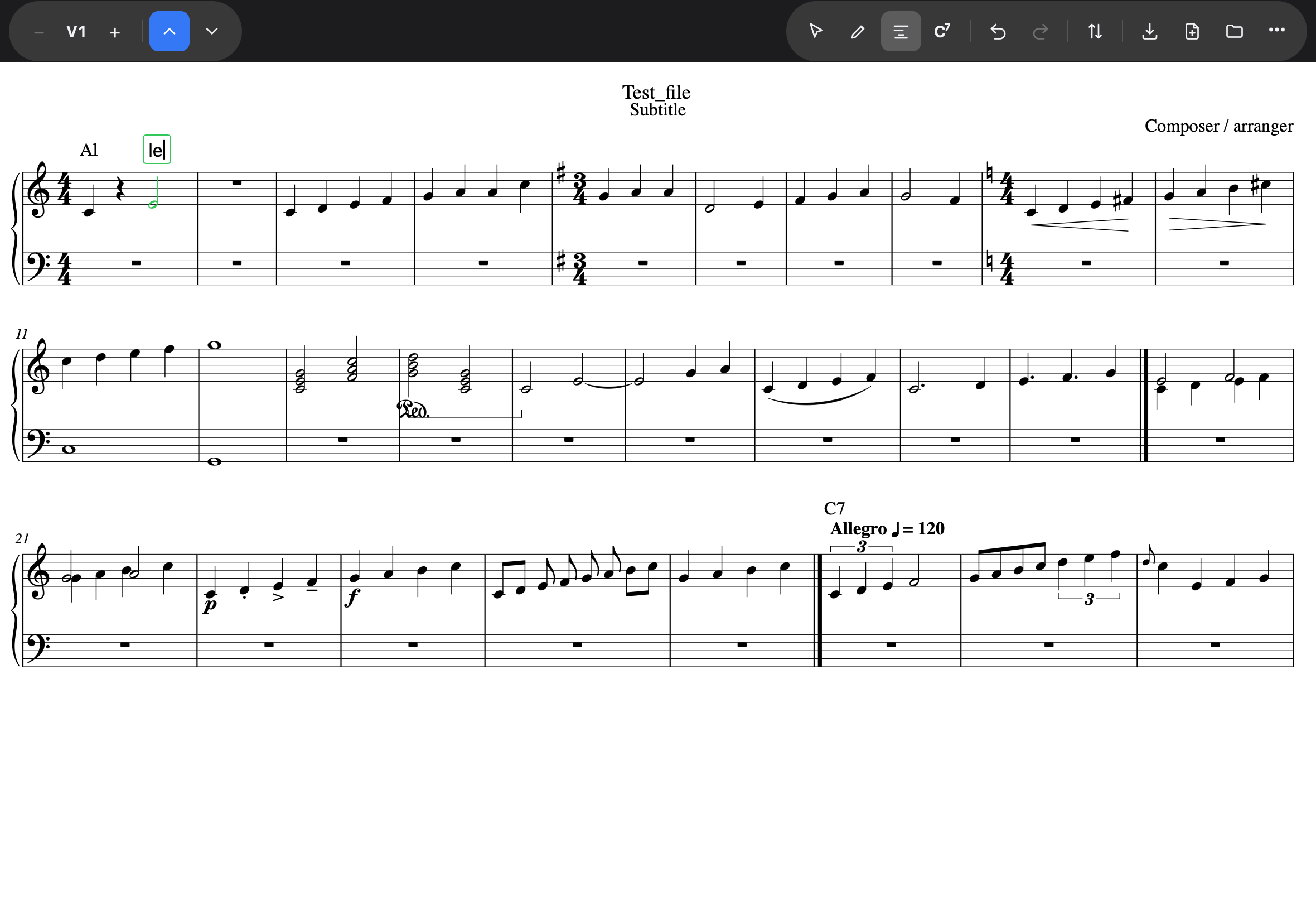
A melisma
One syllable sung over several notes is written with _: type the word, press _ and
the box moves to the next note with a line drawn under it from the word; press _ again for
each further note the word is held over. The line runs to the next syllable. Space keeps a
melisma; a hyphen ends it, since a word that continues is not one that is held.
A held syllable ends at a rest: the line stops with the last note before it, as MuseScore draws it, and the notes after the rest carry no line until you write on them.
The strip belongs to the box, not to the mode. If you have entered lyrics mode but not yet chosen a note, there is no verse to choose and no word to move away from, so the strip is not there. It appears the moment the box does.
One rule the page enforces
A lyric never lands on a rest — advancing with Space or hyphen skips rests and goes to the next note, because nobody sings a syllable on a rest. A word can continue past a rest (a melisma runs across it); it just never sits on one.