PDF and MEI export
With a score open: … → Export PDF…. The sheet builds the PDF as it opens — a long score takes a few seconds, and the sheet narrates (Laying out page 3 of 12…). When the page count appears, Save to Files hands it over.
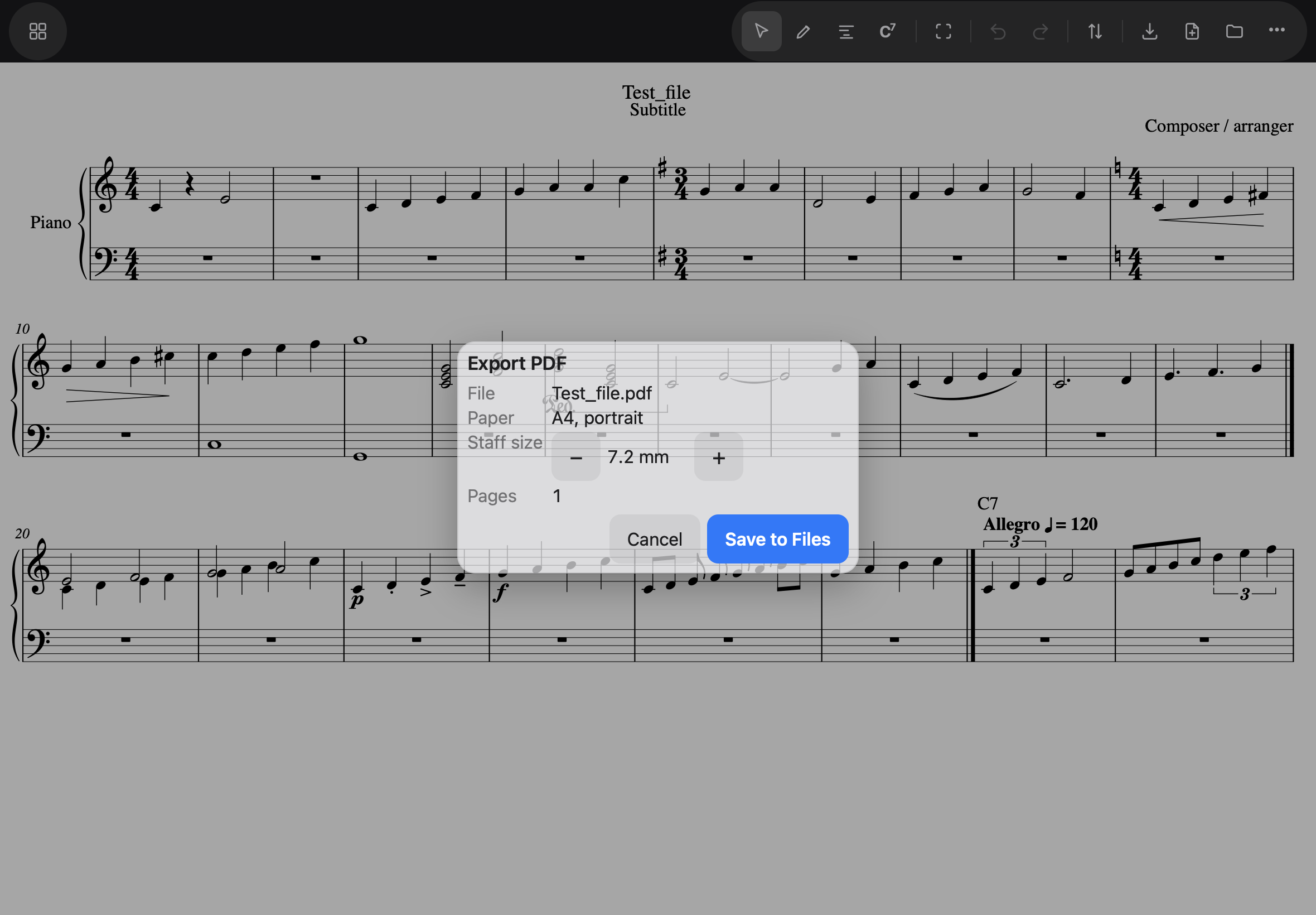
Worth knowing:
- The app engraves the PDF itself, at A4 — it is not a print of the screen, and no browser header, footer or URL is stamped on it. Line and page breaks are chosen fresh for paper.
- Staff size is the one control: the printed height of a staff in millimetres, the measure engravers use. Smaller fits more music per page; larger is easier to read from a stand. The choice is remembered for next time.
- Page numbers run from page 2, the way printed music does.
MEI
Noteland draws every page from MEI, the encoding Verovio
engraves, and you can have that file: … → Export MEI… goes straight to the share
sheet, offering the score’s title with .mei. Save it to Files.
It is the file for the MEI community’s own tools — the Verovio editor, mei-friend — where it draws as it does in Noteland, title and page numbers included. It carries no line or page breaks, so the reader lays it out for its own page. The file declares MEI 5.1 and validates against its schema.
Saving is still MusicXML. The Save button writes .musicxml, which MuseScore, Sibelius
and Dorico open and Noteland opens again; an MEI file cannot be opened in Noteland, so
exporting one does not count as saving your score.